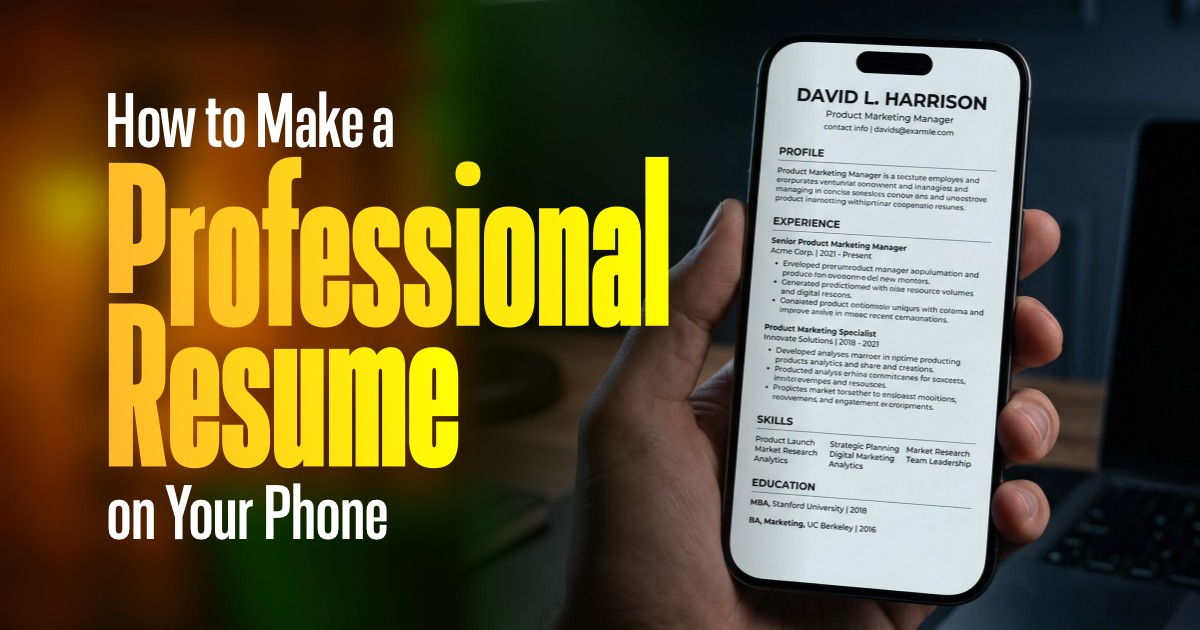
It is now possible to make a professional resume without using an actual computer or laptop due to the advancement of technology. Mobile applications like Jobipo Resume Builder allow you to create a clean and job-ready document straight from your phone. This is particularly helpful for those who are either starting to find their first job (students, freshers, or anyone looking for employment).
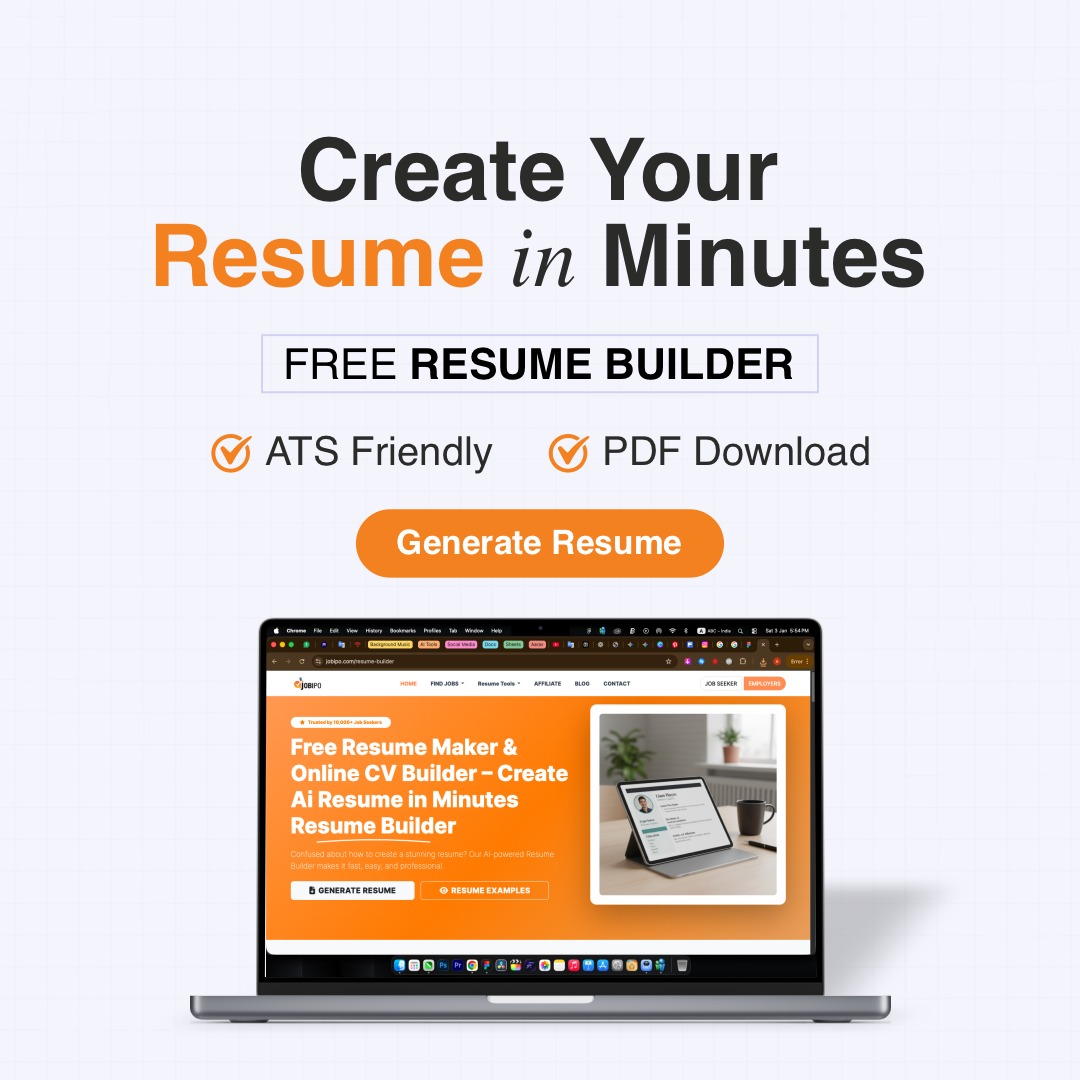
The Jobipo Resume Builder is an easy-to-use app that will help you quickly create a professional-looking resume! Just enter your information (like personal info, education, skills, etc.), and this app will lay out your info nicely in a way that looks professional! It's perfect for saving time and helping avoid making mistakes when applying for jobs.
In this article, I will show you step by step how to build an effective resume using Jobipo resume builder on your smartphone using simple English, so that you have a solid resume and maximise your chances of getting hired.
What Is Jobipo Resume Builder?
The Jobipo Resume Builder is a mobile application to assist users in creating a resume rapidly. The jobipo resume builder provides pre-made templates, step-by-step instructions, and user-friendly editing tools for creating your resume within minutes. Once the user has entered their information into the app, jobipo automatically formats their resume in a professional manner.
Reasons for Utilising a Resume Builder via Mobile Device
When utilising a resume builder on this mobile device, the benefits consist of:
- Convenience by being able to use your resume builder from any place and at any given time.
- No need to have computer capability.
- Have access to ready-made professional templates.
- Saves both time & effort.
- An easy way to complete job applications in less time than normal.
Steps to Make a Professional Resume on Your Phone
There are steps you follow, and you can make a professional resume on your phone. Here are 10 easy steps to help you make your professional résumé.
Step 1 - Download The App & Open It
To get started, download the Jobipo Resume Builder App from your app store. Once you have installed it, open the app and create your account if necessary.
Step 2 - Choose A Template
Choose a template that is clean and simple to use. This means you will want to stay away from any templates that are too colourful or have too many design elements. A clean layout works best for job applications.
Step 3: Enter Personal Information
For example, you will include:
- Your Complete Name
- Provide Contact Information (Phone Number, e-mail, city)
- Confirm Entry of Contact Information
Step 4: Create a Strong Objective Statement
A career objective should be a short statement outlining your goals and what you want from the position you are applying to.
For example: "To obtain employment in a rewarding, stimulating position that builds on my skills while providing me with opportunities to grow."
Step 5. Include Your Education
List your educational background below, including:
- School/University name
- Your degree/certificate
- When you graduated
- How much have you completed
Step 6. Include Your Skills.
List out all of your relevant skills for this job position, such as:
- Good communication abilities
- Working knowledge of computers
- Ability to work well in teams
- Ability to solve problems
Step 7. Include Any Work Experience
If you worked before, you need to list this information about prior employers:
- Name of Organization
- Title of Position
- How long have you Worked There
- Key Duties/Responsibilities
This section may either be omitted by recent graduates or may be filled with any internships that have been completed to date.
Step 8. Additional Areas to Consider Adding
You may also want to consider adding these additional areas to your resume. These sections will help set you apart from other candidates for the same job:
- Certifications
- Projects
- Languages
- Hobbies
Step 9. Check and Edit
Proofread your resume thoroughly. Make sure to correct all spelling errors and verify that all details are correct.
Step 10. Download & Share
The last step is to save your resume as a PDF. You can then email your resume directly to employers or upload it to job search sites.
Common Resumes Mistakes When Creating a Resume on Your Mobile
- Using Several Colourful Writing Types
- Writing Longer Sentences Whereas Short Have Been Written as Bullet Point
- Old Dates or Invalid Dates – Example New – 05/08/06,
- Mistakes with Capital Letters & Punctuation
- Unnecessary Personal Information
Have an Attractive Appearance As A Cashier When Printing A Clean, Clear and Professional Resume Will Always Look Good (text, date stuff wrong here).
Best Practices for Writing Resume Content
If you want to make your Resume Competitive (Well Writen) Should Follow These :
- Use The Easiest Language (Simple, Easy to Understand).
- Bullet Points Will Assist with Easier Reading by Making it Easier to Take In All Pertaining To An Issue to Which You Have Accomplished.
- Focus On What You Accomplished As Opposed to What The Tasks Were on Your Job. (Will make you More Valuable to an Employer)
- Each Resume Needs To Be Modified (Updated) Based Upon What Job You Are Submitting Your Resume for.
- It Needs To Have A Neat and Consistent Format (To Provide A Uniform Appearance).
Tips to Create Resumes That Get Noticed
- To get your resume to stand out, you can try:
- Simple and formal resume templates
- A clear and concise career objective is necessary
- Easily identifiable key skills
- Certifications and achievements as well
- Keep it current
conclusion
To create a professional looking resume, you should try Jobipo Resume Builder. Create an attractive and polished resume that you will be proud of, in minutes. Your resume, if you follow the guidelines outlined in this article, and use Jobipo to design your own, will greatly increase your chances of receiving a job offer.









Comments